01 · Import
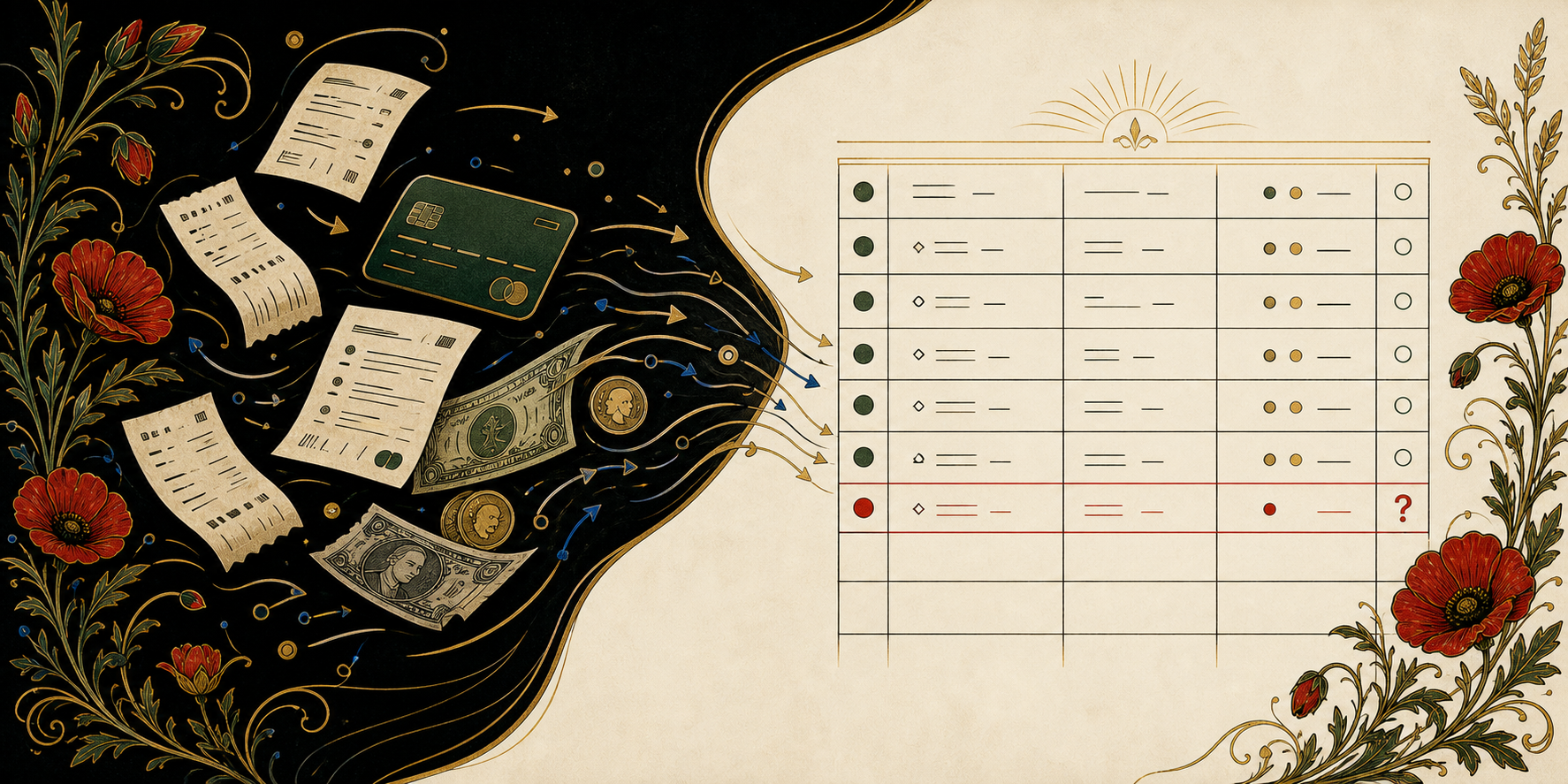
Bring in your history.
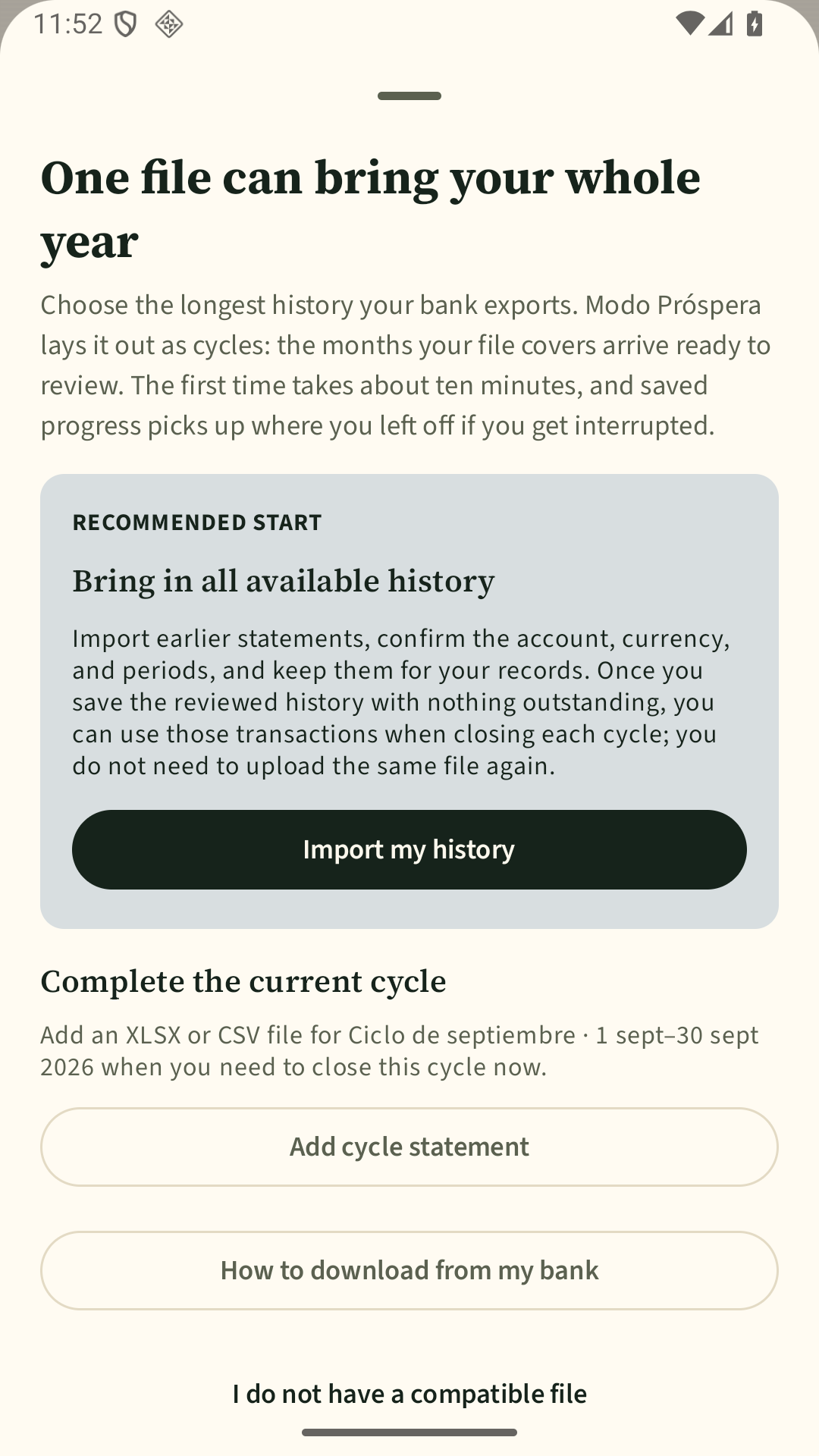
For the monthly close, use compatible CSV or XLSX files. If your test includes other history formats, we’ll say so explicitly.

You choose which history to bring in. Modo Próspera helps you review it, close the period, and preserve the result.
Today, the beta works with files you choose. It does not connect to your bank.
For the monthly close, use compatible CSV or XLSX files. If your test includes other history formats, we’ll say so explicitly.
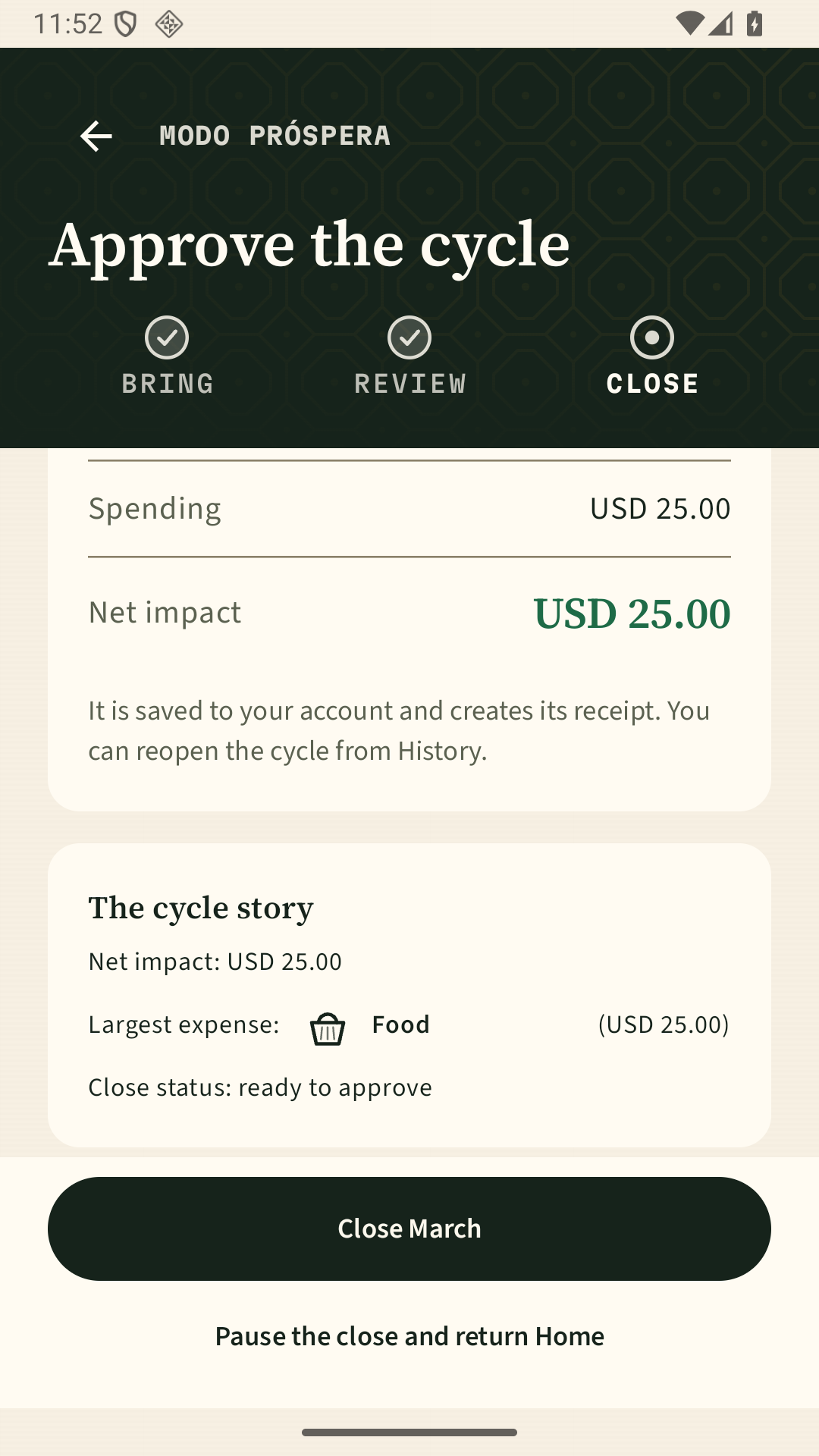
Check coverage, categories, transfers, and duplicates. If evidence is missing, the app tells you what needs attention.
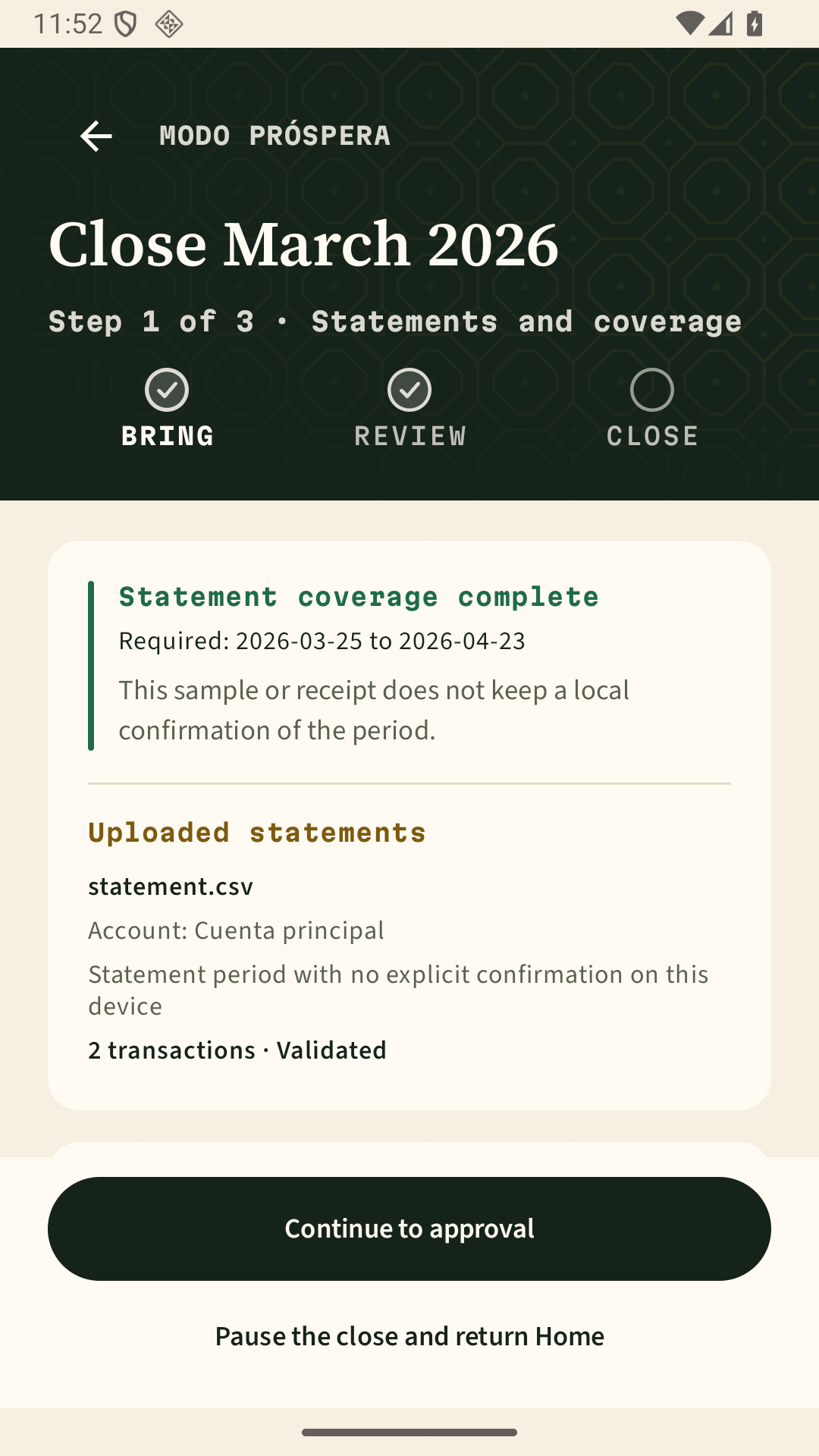
When you confirm, Modo Próspera keeps the processed transactions, history, and receipt for the period. In the current flow, the original file is not intentionally retained.
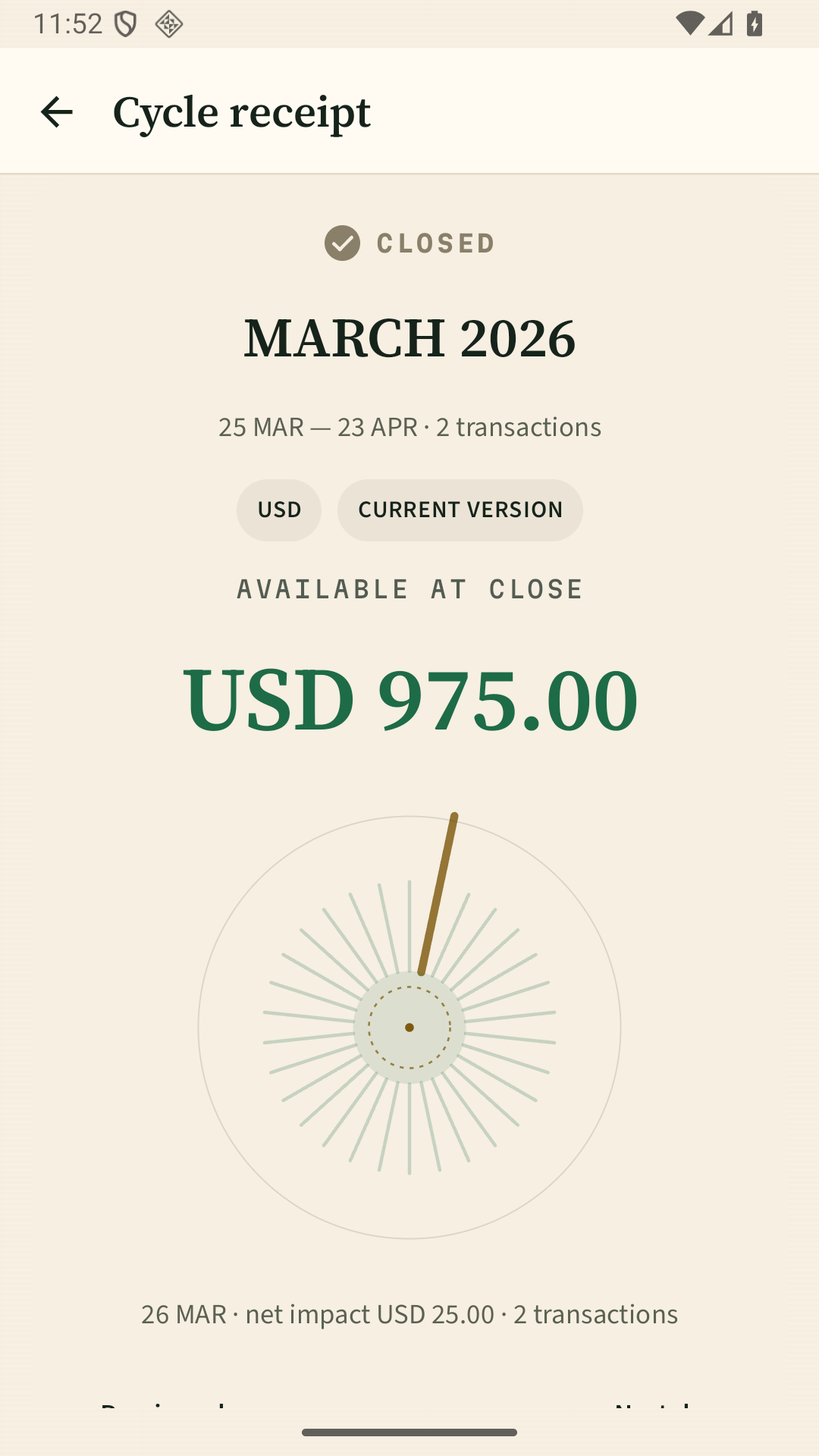
View spending, daily cash flow, savings, recurring transactions, and history, with the period, accounts, and coverage in view.
Walk through review and closing with synthetic data before choosing a real file.