




Bring in your history.
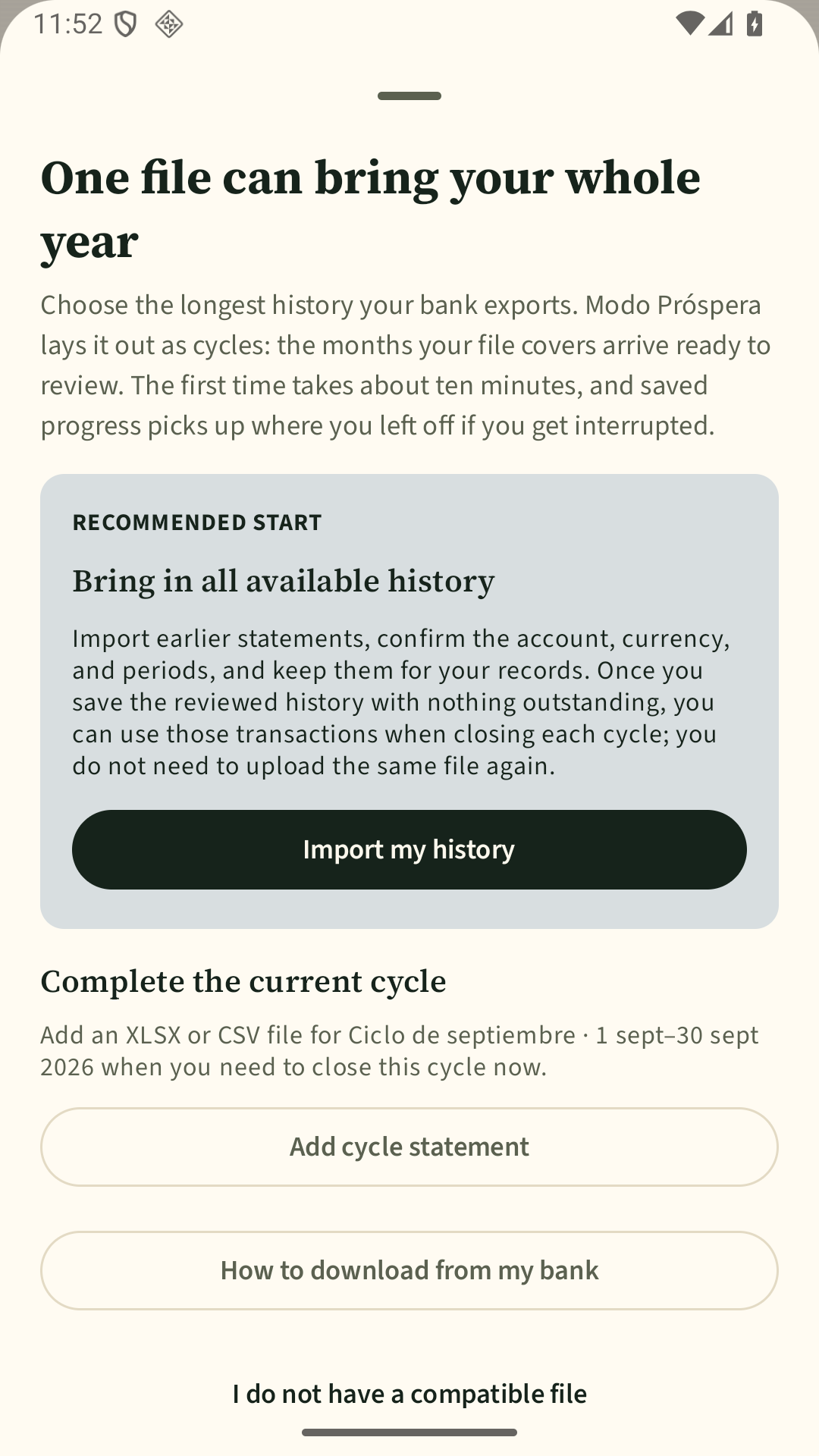
Choose a compatible file from your phone. You decide what to bring in.

 Bank
Bank Card
Card Cash
CashYour story, in order.
All your transactions, together
Resolve what still needs a decision

Choose a category
Close your month with confidence
Complete coverage
Banks, cards, cash, and transfers arrive by different routes. Modo Próspera brings their transactions together without hiding gaps or uncertainty.

Four steps. At every one, you can see what’s ready, what’s missing, and what comes next.
Choose a compatible file from your phone. You decide what to bring in.
Fix categories, transfers, and duplicates that need your judgment.
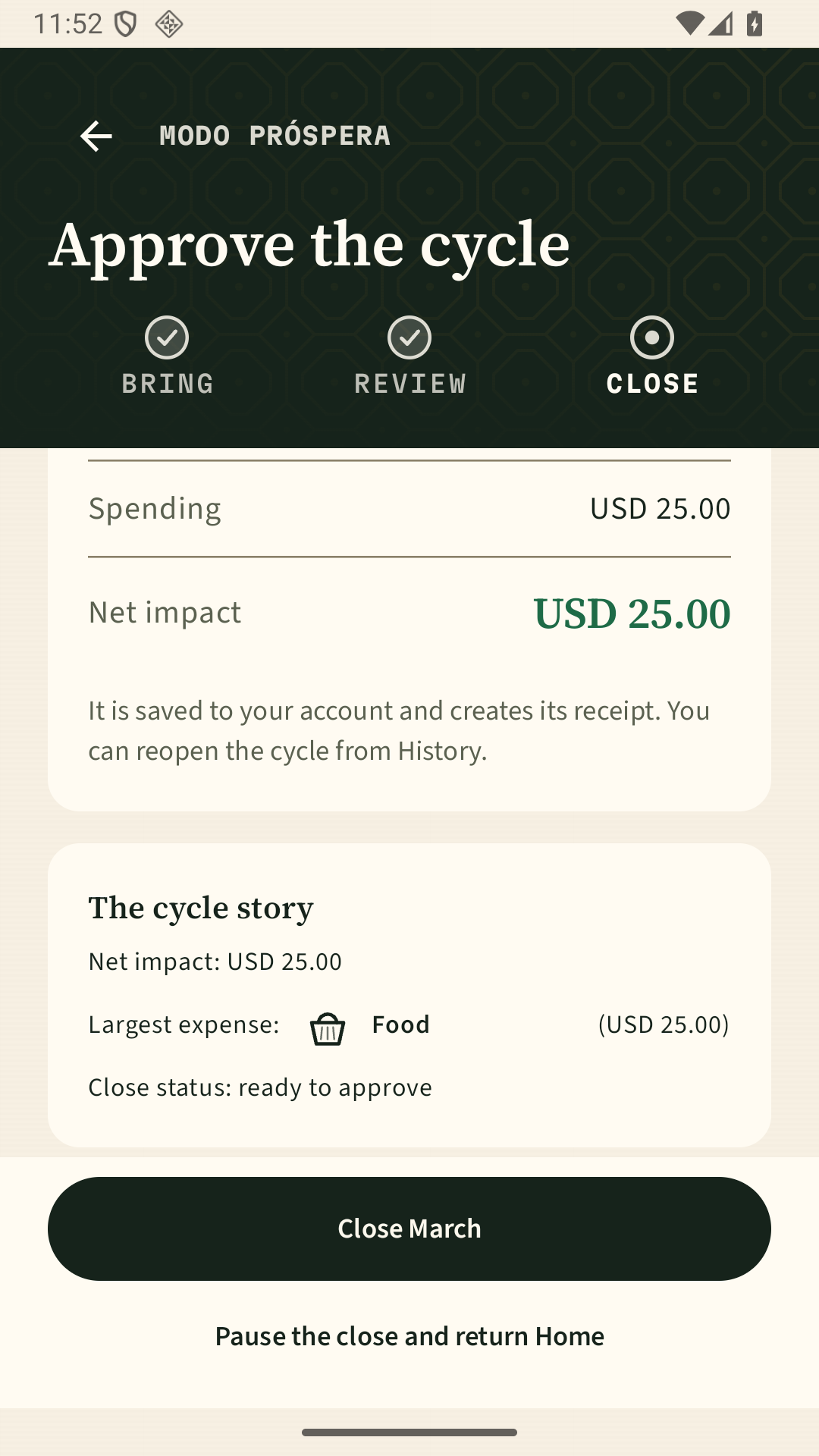
Check which accounts and dates support the period before trusting the totals.
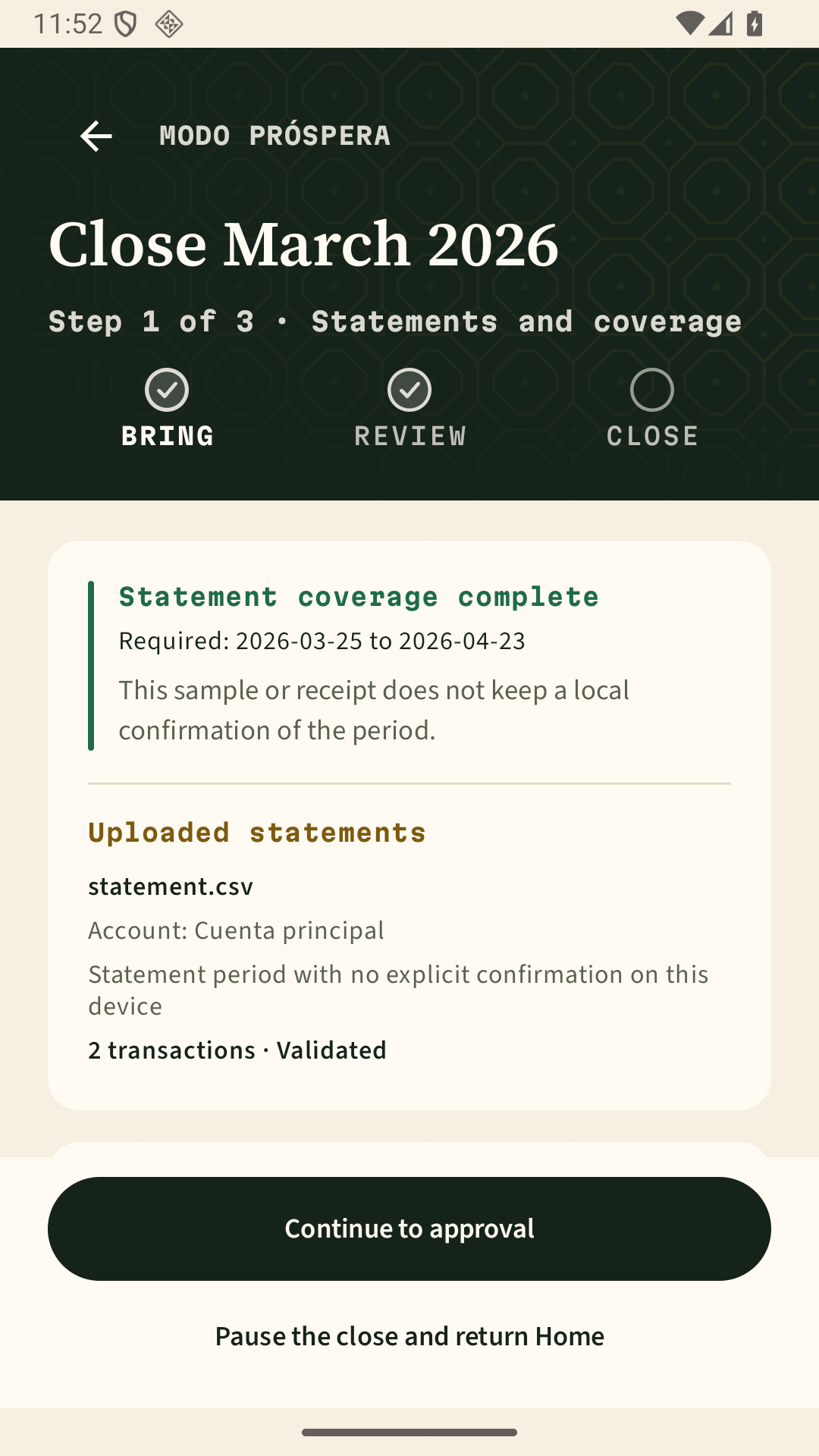
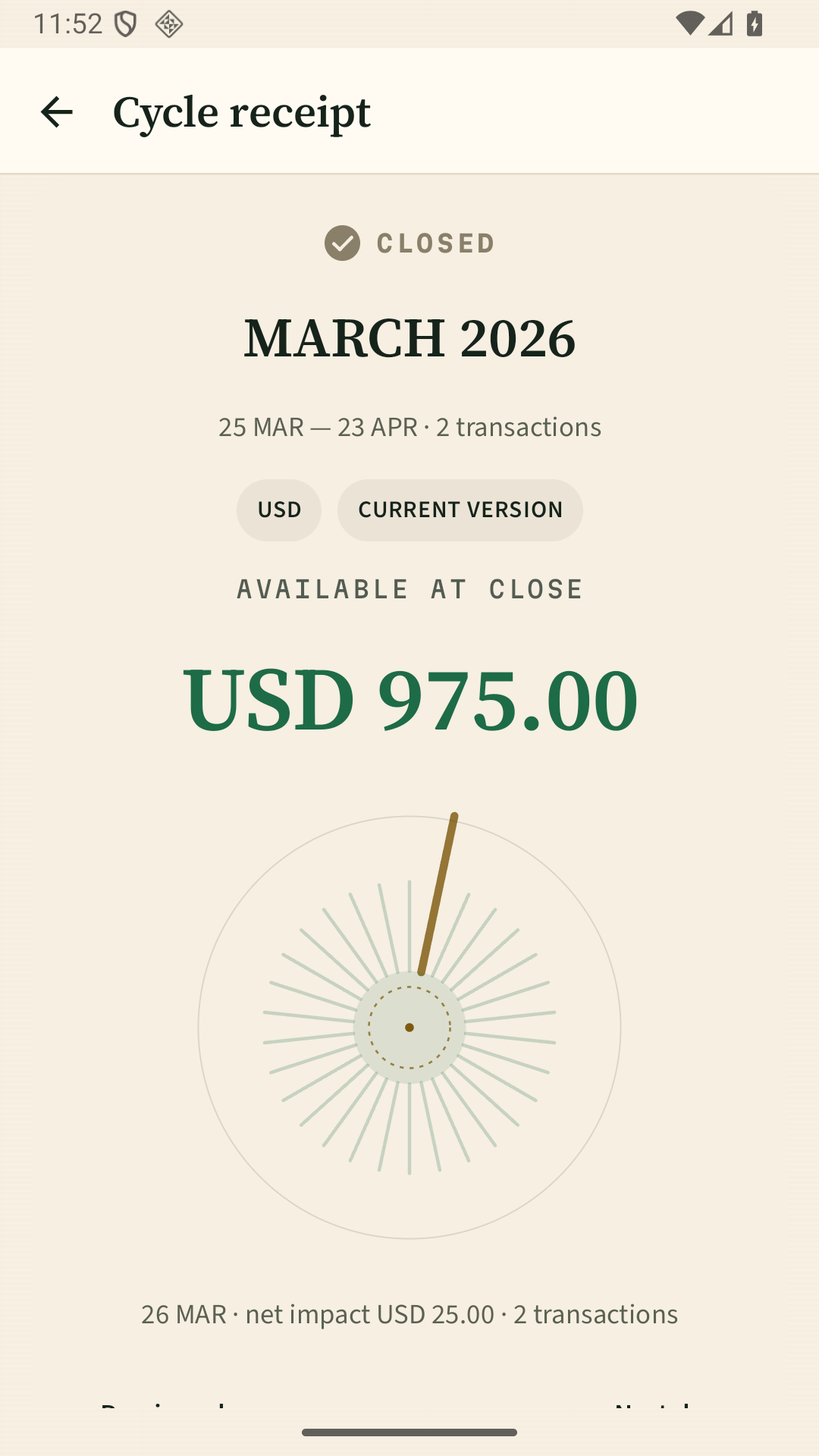
Keep a receipt for the period. Later changes are recorded as adjustments without erasing the original.
Understand the period and choose your next move without guessing.
Start with the transactions that still need your judgment, not the entire history.
See which accounts, dates, and gaps support—or limit—the result.
Each receipt preserves its period, accounts, and decisions. Later changes are recorded as adjustments.
You choose which file to import.
We never ask for banking credentials.
We don’t sell your data or run ads.
You can export or delete your data.
Walk through review and closing with synthetic data. When you’re ready, you choose which history to bring in.
Request accessDo not email bank statements.

